Drip System Fertilizer Injector: Buy Controls for a Water-Only Finish
Check how a selected injector stops adding fertilizer while the same crop zone continues normal watering. Compare documented controls and required parts before buying.
Published by IrriNex Store
A drip system fertilizer injector is useful only if the grower can end nutrient addition without accidentally ending the irrigation event. In some existing head units, the stock feed and crop-water supply respond to the same switch or shutdown command. The farm may already have a confirmed water-only finish in its operating procedure, yet the installed controls make that finish awkward or impossible to command. Before buying another injector or valve, identify exactly how the chosen block will remain on its normal water path after the stock feed stops. A fertigation injector water-only finish needs separate control states for nutrient feed and crop water, since one shutdown may stop both.
Consider a vegetable block that receives fertilizer during a scheduled irrigation shift. The agronomic plan has already set the material, dose and required water-only period. The operator's present control turns off both the injector and zone pump together. Buying a higher-capacity dosing unit would not by itself create the missing water-only state. The practical purchase question is whether the selected hardware, its approved controls and the existing headworks can provide two clearly identifiable operating states: permitted nutrient addition while the block is watered, then the same block watered with no new stock being introduced.
Stop fertilizer feed while irrigation water continues
On a simple drawing, mark the water source, protection devices, filter, pump or supply connection, injector location, stock vessel, operating-zone control and the exact block that receives water. Then write who or what commands the transition from “water with permitted addition” to “water without new addition.” The approved length of the second state is an input from the farm's separate crop and system procedure. This shopping decision concerns the physical and control route that makes that state possible; it does not establish how long the route must run.
Do not describe the second state merely as “tank empty.” A low stock level, a dry suction tube or a vessel that looks clear is not a documented injection-disable command. Running a pickup dry can also create an equipment problem. Ask for the exact model's permitted way to stop stock uptake while the intended water route remains active, and record how the operator can recognize that state. If the answer depends on an accessory, controller output or differently arranged pipe, list that item before placing an order.
Check the existing control logic as carefully as the new product. A pump starter, timer or zone controller may stop water whenever its fertilizer program ends. Conversely, an injector may resume taking stock when water flow returns after an interruption. Those outcomes depend on the installed wiring, piping and device instructions; a generic injector photograph cannot settle them. The two-state drawing should say which device stays enabled, which addition function is disabled, and which normal crop zone remains selected, without relying on an improvised valve sequence.
Where the farm has more than one irrigation block, name the block on the drawing. “Water stays on” is too vague if a controller transfers water to a different zone after dosing. The required finish belongs to the planned operating group. Confirm the zone identity and normal supply path in both states, including any shared header or filter that changes duty when another zone starts. If maintaining the intended group is impossible with the present controls, that is a specific control-design problem to resolve before buying the injector body.
Compare injector and valve controls for a water-only finish
For an existing installation, make a short inventory of actual commands and components: the control that starts the crop-water event, the device that allows stock to enter, the way that addition is stopped, and the indication available to the operator. Include any source-protection and isolation devices already required by the installation. A handwheel, controller button or labelled fitting has meaning only when its delivered model instructions and the site layout establish what it does. Ask the installer to mark the approved transition on the as-built drawing.
The transition must preserve the operating conditions the chosen block needs. Stopping injection is not permission to close an unknown section of the water route, starve a pump, create an unapproved shortcut or change the irrigated group. A Venturi can depend on a suitable pressure difference; a water-driven proportional device depends on flow through its operating body. The correct way to run water without new addition is therefore model and layout specific. Verify it against the selected device instructions and the existing pump, pressure, filtration and source-protection arrangements.
Also distinguish an intentional water-only state from a fault. If a Venturi has stopped drawing unexpectedly while the program still requests fertilizer, the operator has not completed the planned application. The Venturi no-suction troubleshooting guide addresses that separate failure. For this purchase, ask how the operator deliberately disables addition after the approved nutrient phase and how that action is confirmed. It should not depend on hoping that suction weakens or the stock runs out.
A controller can display “fertilizer off” while a downstream solenoid, feeder or residual stock route behaves differently. A manual control can be turned while a linked zone command also ends watering. These possibilities are reasons to request the actual connection and control diagram, not to assume an automatic bypass, check valve or stock shutoff is built into every injector. If the proposed package lacks the information needed to describe the two states, leave that line item unresolved and ask for model-specific documentation before ordering related fittings.
Compare the two Store injector formats for this interface
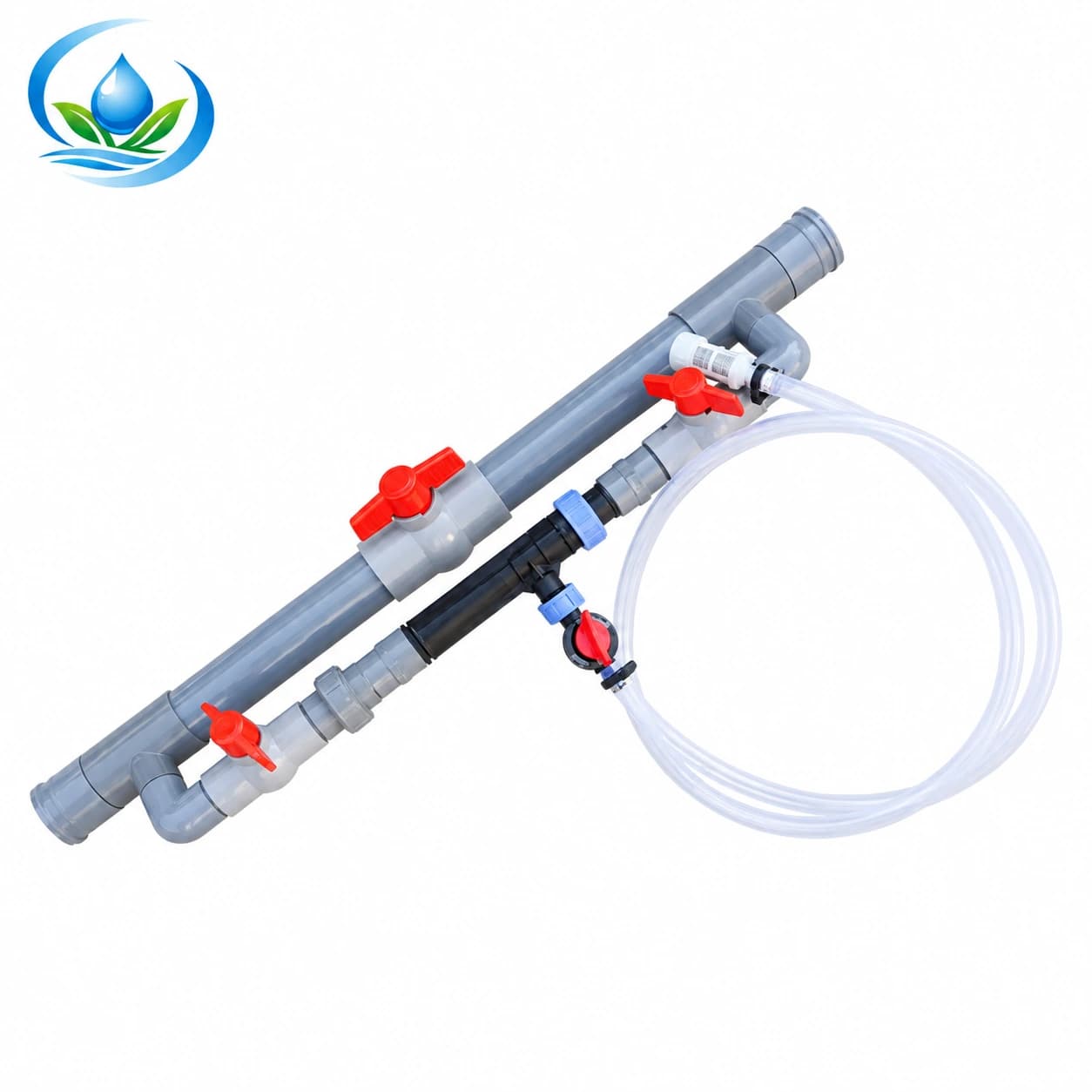
The assembled Venturi injector set describes a Venturi assembly accompanied by bypass valves and connection pieces. Those listed parts are a useful starting point for a head-unit drawing, but “assembled” does not establish the exact stop-addition command for this block. Confirm the selected set's supplied components, connection sizes, operating flow and pressure requirements, and the manufacturer's approved way to keep crop water on after stock uptake stops. Check how its proposed placement interacts with the existing filter, source protection and zone controls.
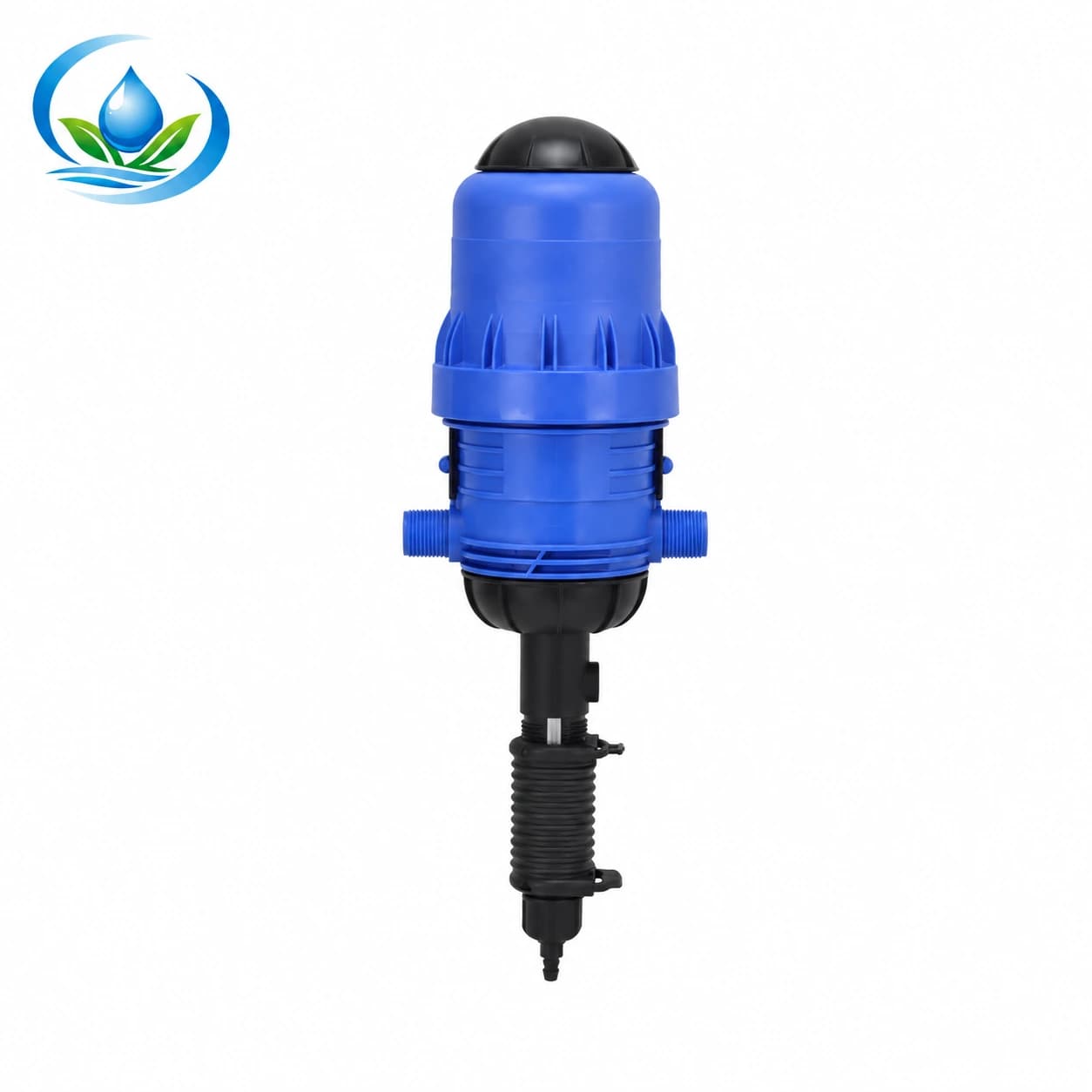
The water-driven proportional fertilizer injector uses another dosing format. Its ratio setting or water-driven action does not demonstrate a separate water-only mode. Ask for the delivered model's instructions showing whether and how nutrient addition can be disabled while the intended water path remains in service. Confirm its connection, allowed running range, material compatibility and any required accessory or control. Do not use diagrams for another manufacturer's pump as proof that this one has a built-in bypass, nonreturn device or remote shutoff.
Use the injector contents guide to establish what body, suction and bypass parts the selected order actually supplies. This purchase adds a separate acceptance question: can the delivered arrangement deliberately end new stock addition while the same named crop group continues its normal watering? A favorable ratio range, attractive package or high maximum draw does not answer it. Ask for the two-state diagram and the required parts list for the actual headworks.
Existing installations may already have a suitable control, or they may need a documented accessory or revised control connection. Do not buy a second valve merely because the product illustration contains one. Compare the real bill of materials with the as-built drawing: what is supplied, what remains installed, what must be added, and how each part is identified. The filter and injector service-space guide helps check whether the resulting controls are reachable, but physical access alone does not prove the control sequence.
Plan the handoff and the permitted verification
Give the installer or responsible operator a one-page acceptance description before parts arrive. It should identify the block, normal water path, injection-enabled state, water-only state, command source, required device documents and named person who approves the control arrangement. Include the farm's already confirmed finish duration as a schedule input, without converting this buying checklist into a method for calculating nutrient travel or declaring the outlets clear. An answer such as “leave the pump running” is incomplete until the actual controller and connection are identified.
Commission the control transition under the exact device instructions and the site's approved procedure. With the appropriate clean-water test permitted for that installation, verify that the intended block still receives its normal flow when addition is commanded off and that the operator can identify the state. Record the relevant pressure and flow indications that the system already uses. Do not disconnect a pressurized joint, defeat source protection or treat an unknown valve position as a universal test. Material handling and any later nutrient application remain under the farm's separate approved plan.
If the installation is automated, ask what happens after a power interruption, controller reset, flow alarm or shift to another zone. The necessary answer is not a generic fail-safe promise; it is the behavior documented for the selected control arrangement. Specify whether an operator must acknowledge a change before the next nutrient event. A label on the panel and a clear handoff record can prevent a later crew from mistaking the water-only state for a dosing fault, especially where several blocks share one head unit.
Keep a simple change record when a filter, pump, controller, zone valve or injector is replaced. A revised water route or operating group can invalidate the earlier two-state drawing even when the stock vessel and injector are unchanged. This is also why the stock-uptake and ratio check remains a separate task after hardware changes. It confirms what a selected injector takes in under a defined run; it does not replace documentation of the command that stops addition and permits the normal water-only state.
The lateral maintenance-flushing guide covers controlled open-end cleaning and closure access. The water-only finish here uses the crop system in its normal irrigation configuration and follows a duration established elsewhere by the farm. No need to buy an end cap or open a lateral solely to make the injector control work. Keep those two procedures and their parts lists distinct when preparing an order for the head unit.
Order only after the operating states are answerable
Before checkout, write five answers beside the chosen model: which command stops new stock, which command keeps the named zone watered, which supplied or additional parts create that arrangement, which device instructions authorize it, and which person will verify it after installation. Confirm the selected item's current price, sale unit, availability and delivery options on its product page. If a purchase option is absent or the exact control interface is unclear, ask Store support for the model-specific documentation and ordering route before buying adjacent fittings.
Do not turn this control decision into a new fertilizer recipe or an estimate of the clean-water duration. The farm's crop plan and approved equipment procedure already determine those inputs. The fertigation field-trial guide covers the wider performance decision, while the new-concentrate compatibility guide addresses a change in stock material. For the present purchase, choose an arrangement whose documented controls let the operator stop addition, keep the same crop-water route on and hand over an identifiable water-only state.
Before you order
Compare this guide with the specifications for your exact product, selected option, water supply and field conditions. Your equipment requirements take priority over a general example.
Compare irrigation products